
LSC smart plug 2578685
Device Type:
Electrical Standard:
Board:
Notice
- This smart plug is flashable using the latest tuya-cloudcutter with a compiled ESPHome binary. I recommend following this Youtube Video.
- There is a version with BK7231N and a version with BK7231T. Both should work but you need to make sure to use the right version. I recommend to use the the configuration gererated by ltchiptool and esphome-kickstart as shown in the video instead of this configuration, because it might change.
- The second configuration is the version that worked for me (Version 1.1.8 in the App and with BK7231N)
Product Images
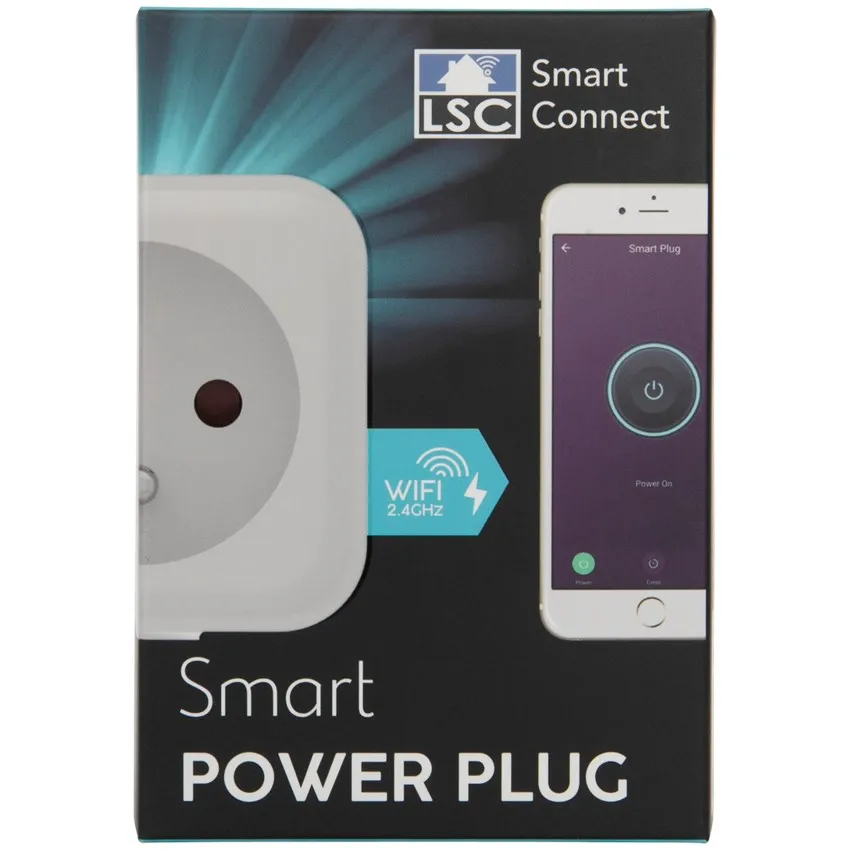
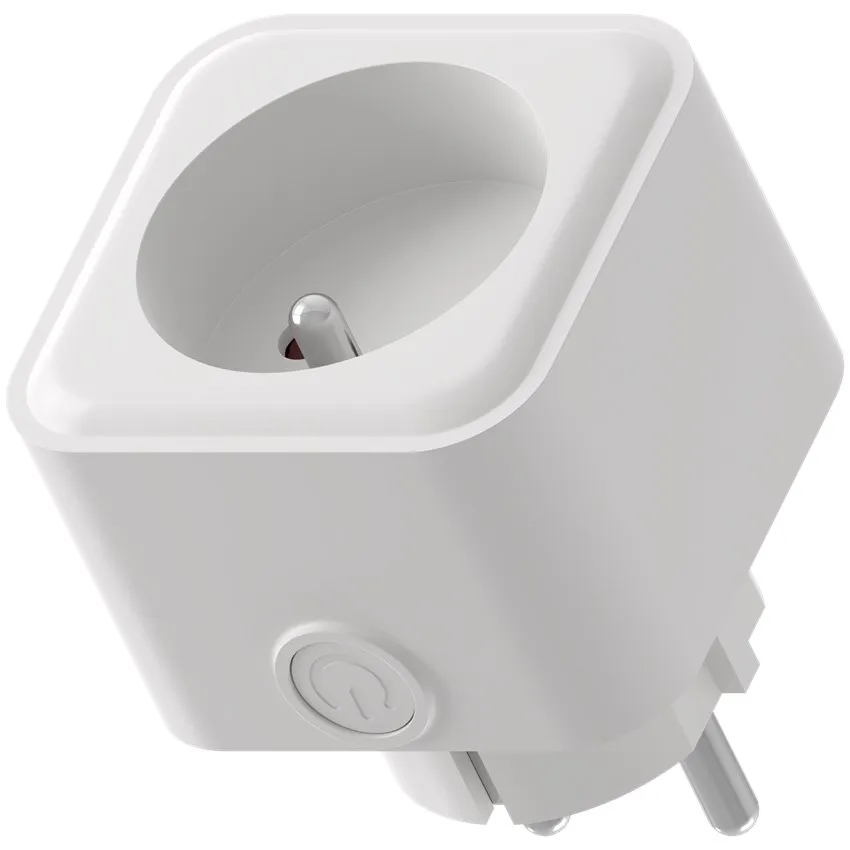
GPIO Pinout
Pinout for Version with BK7231T
| Pin | Function |
|---|---|
| P7 | Switch button |
| P26 | Blue LED |
| P6 | Red LED |
| P8 | Relay |
Pinout for Version with BK7231N (Relay and LED Swapped)
| Pin | Function |
|---|---|
| P7 | Switch button |
| P26 | Blue LED |
| P8 | Red LED |
| P6 | Relay |
Basic configuration
Version for BK7231T and BK7231N, just change board_model substitutions:
substitutions:  board_model: "bk7231n"# OR#  board_model: "bk7231t"
packages:  hardware: !include device-${board_model}.yaml
esphome:  name: lsc-plug-1
wifi:  ap:
sensor:  - platform: wifi_signal    name: "WiFi Signal Sensor"    update_interval: 60s
status_led:  pin: ${pin.led1}
binary_sensor:  - platform: gpio    id: button_1    name: lsc-plug-1_button    pin:      number: ${pin.sw1}      mode: INPUT_PULLUP      inverted: true    internal: true    on_press:      - switch.toggle: relay_1
output:  - platform: gpio    id: relay_1_led    pin: ${pin.led2}
switch:  - platform: gpio    id: relay_1    name: lsc-plug-1_relay    pin: ${pin.ry1}    on_turn_on:      - output.turn_on: relay_1_led    on_turn_off:      - output.turn_off: relay_1_led